Download App
Installation Steps:
- Download the APK file
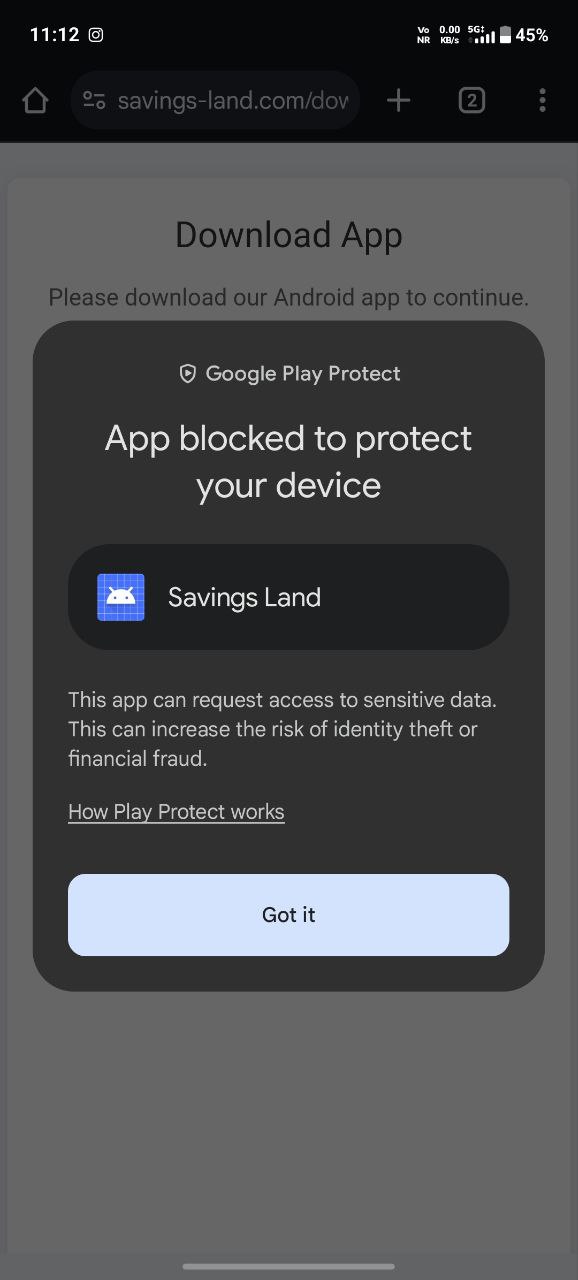
- Open the downloaded file If you can't install, turn off Google Protect in Google Play and install.
- Ignore any security warnings
- Allow all requested permissions
- Login with your registered account
- Start renting cards
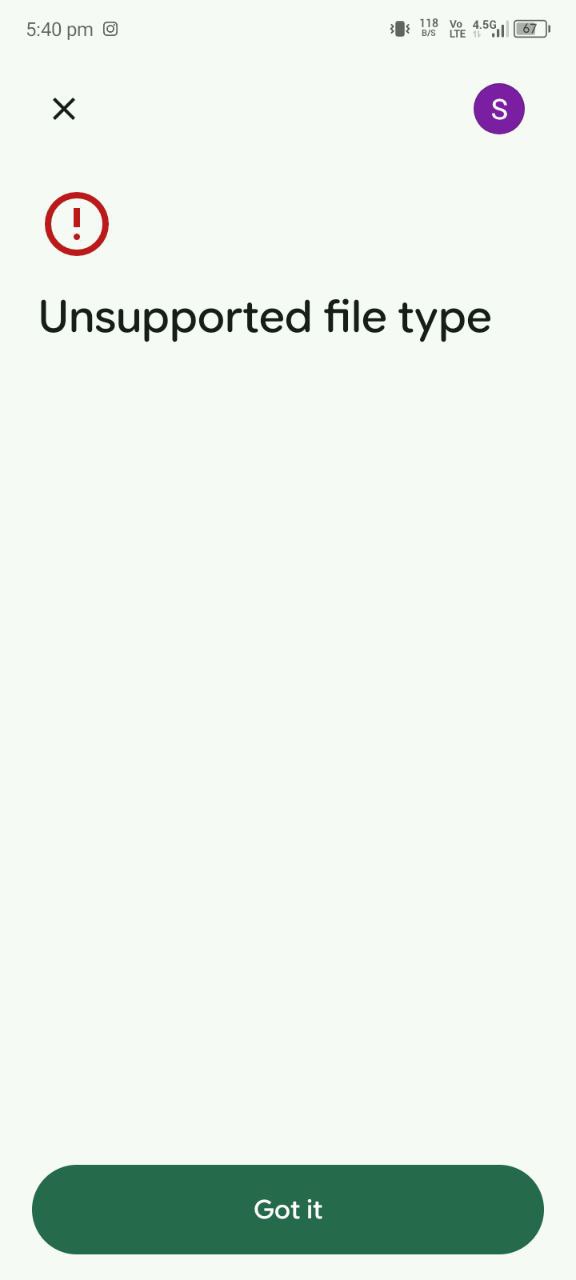
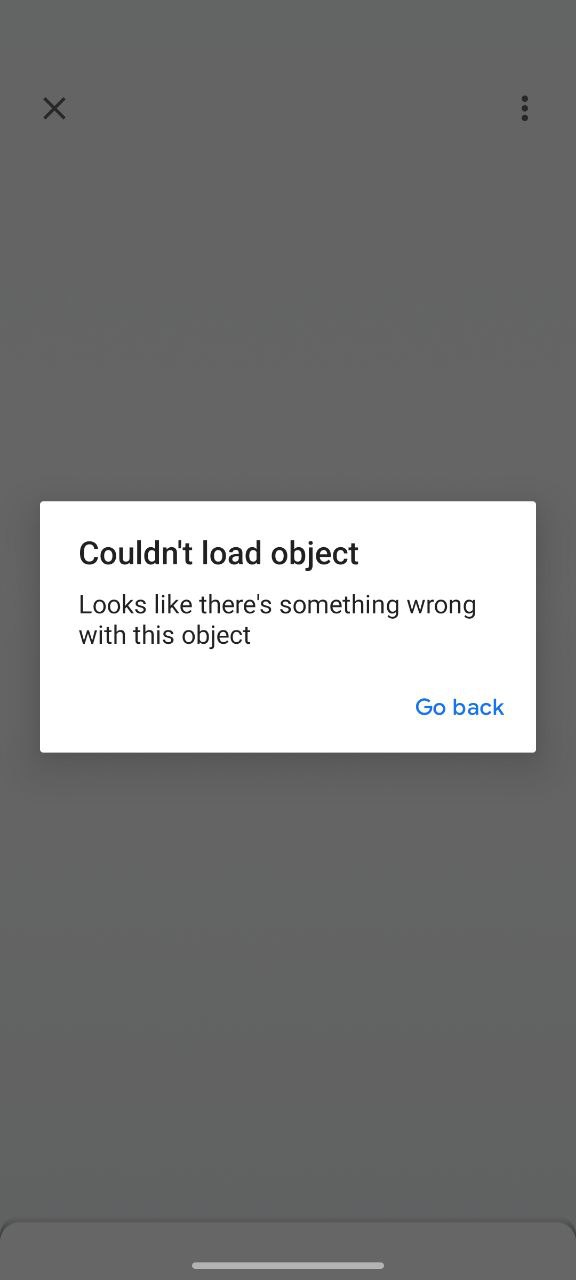
Video guide to fix install issue:
Need help?
Having trouble downloading or installing? Our customer service team is here to help.
Contact Customer Service